
How to Plan Routes for Multiple Vehicles
Planning one route is manageable. You take a list of stops, put them in a sensible order and send the driver on their way. Planning for several vehicles at once is a different job. Now you are not just ordering stops; you are deciding which vehicle does what, and every choice you make for one vehicle affects the others. This page looks at what changes when you plan across a fleet, and how to keep multi-vehicle planning organized and efficient.
Why planning multiple vehicles is harder
With a single route, there is really one question: what order should the stops go in? With multiple vehicles, that question multiplies. Before you can sequence anything, you have to split the work, and there are countless ways to split it.
The stops are connected, too. Move a few orders from one van to another and you change the shape of both routes, their length, their timing and their load. Get the split wrong and no amount of clever sequencing will fix it. This is why multi-vehicle planning is less about any single route and more about how the whole fleet shares the day.
Start with the full picture of the work
Before dividing anything, you need a clear view of everything that has to be done across the day, not one route at a time. That means knowing, for every order:
- Where the stop is located.
- Whether it is a delivery, a pickup, or both.
- Its weight and volume.
- Any time window it has to be met within.
Assign the right orders to the right vehicles
Not every vehicle is interchangeable. A small van and a box truck can both make deliveries, but they do not carry the same load, and they are not equally suited to every stop. Matching orders to vehicles is one of the most important parts of multi-vehicle planning.
A few things drive that match:
- Vehicle capacity, both weight and volume, against what each order needs.
- The area a vehicle is best placed to cover, given where it starts.
- Any orders that genuinely need a particular type of vehicle.
Assigning heavy or bulky orders to a vehicle that cannot take them is a plan that fails before the driver leaves the yard. The goal is a split where every vehicle is given work it can actually carry and reach.
Balance the routes, not just the order count
Here is the trap that catches a lot of operations: giving each vehicle the same number of orders and assuming that is balanced. It rarely is.
Ten stops packed into one neighbourhood is a very different day from ten stops spread across a whole region. One driver might finish by lunchtime while another is still going at closing time, even though both had “ten stops”. A fair split is about balancing the actual workload, the distance, the driving time, the load and the time on the road, not just the count of orders on each list.
Real balance means looking at how long each route will genuinely take and how hard it is to run, then adjusting the split until no vehicle is overloaded and none is left half idle.
Keep capacity and time windows in view across the fleet
Capacity and time windows are already important on a single route. Across several vehicles, they interact in ways that are easy to miss.
A delivery with a strict morning window has to go to a vehicle that can actually reach it in that window, which may rule out the van whose route runs the other way. A heavy order has to go to a vehicle with the capacity for it, even if a nearer van would have been more convenient. When you are juggling several routes at once, one fixed constraint on one order can quietly reshape which vehicle everything else belongs to.
Build an efficient sequence for each route
Once the work is split sensibly, each vehicle still needs a good stop sequence. The principles are the same as for any single route: follow travel time rather than raw distance, respect the time windows, and keep the order logical so drivers are not doubling back.
What changes with a fleet is that the sequences have to hold up alongside each other. A tidy split can still fall apart if one route’s sequence pushes it far past the working day, so sequencing and balancing really have to be considered together rather than in isolation.
Review the whole fleet, including the return to depot
With one route you check one plan. With several, you have to step back and look at the fleet as a whole before anything goes out:
- Does every vehicle have a realistic day within its working hours?
- Is any single vehicle overloaded while another is underused?
- Do the time-window deliveries all sit on routes that can reach them in time?
- Does each route include the return to the depot at the end?
It is easy to build several routes that each look fine on their own but leave the fleet unbalanced overall. The review step is where you catch that, and where a planner’s judgement matters most.
A simple example
Take a company with 60 orders and four vans for the day. The quick approach is to give each van 15 orders and let the drivers work through their lists. It feels balanced, and the work is assigned in moments.
But that even split ignores what actually shapes each day. One van might be handed 15 stops scattered across the whole region while another gets 15 in a single district. One van could be given more weight than it can carry, while another rides half empty. A morning time-window delivery might land on the route least able to reach it in time, and one van might not make it back to the depot until well after the working day should have ended.
A better plan looks at all four vans together: which van has the capacity for which orders, how the stops group by area, where the fixed time windows are, and how long each route really takes. Same 60 orders and four vans, but a set of routes where the workload is genuinely shared and every van has a day it can complete.
Where automated optimization helps
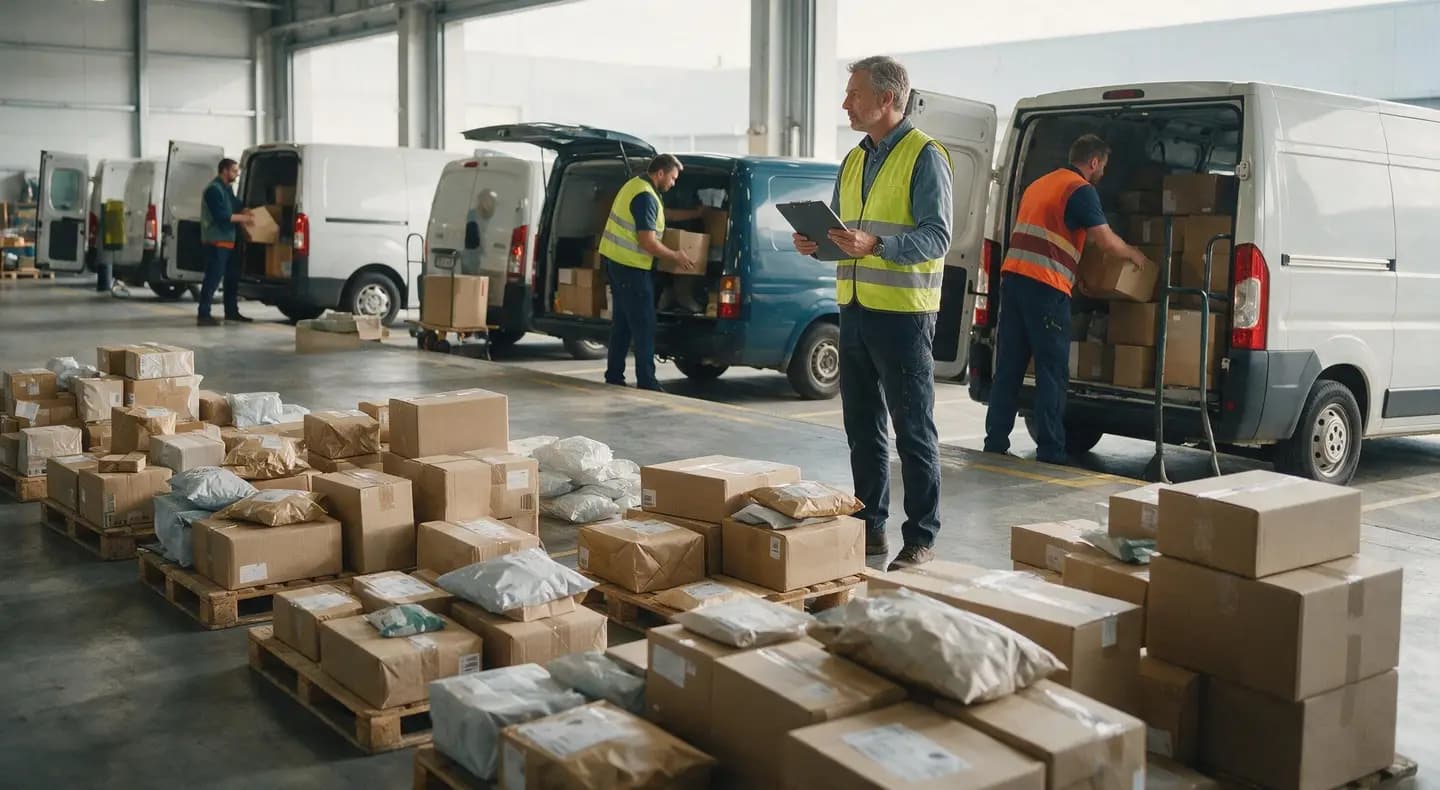
With two or three vehicles and a light day, an experienced planner can balance the work by hand. The difficulty is how quickly the combinations grow. Every extra vehicle and every extra order multiplies the ways the work could be divided, and it becomes very hard to weigh them all in the time available each morning.
How PrimoRoute helps
PrimoRoute is a route planning and transport management platform for transport and delivery businesses, and multi-vehicle planning is a core part of what it is built for. It brings orders, vehicles, drivers and routes together, so you can plan across the whole fleet from one place instead of juggling separate lists.
PrimoRoute helps turn your orders and available vehicles into organized routes across the fleet, taking relevant factors into account, including vehicle capacity, time windows, vehicle working hours, route sequence and the return to the depot. The planner stays in control and can review and adjust the plan before it goes out, so the fleet is balanced in a way that still fits the reality of the operation.